Find a live server and connect
All public retro servers in one place. Filter by game, region or status. Copy the IP and connect in your game client.
Open server list →ClassicNetPlay is the place to find active servers for classic PC games, join community-organized sessions, and spin up your own hosted match in seconds.
All public retro servers in one place. Filter by game, region or status. Copy the IP and connect in your game client.
Open server list →Community members schedule sessions in advance. Find one that fits your time zone, mark interest and show up ready to play.
See upcoming sessions →Pick a game preset, give your server a name and it boots automatically. Share the IP. Server closes after 60 minutes.
Host a server →No sessions scheduled yet.
Protect your game server from attacks and exploits.
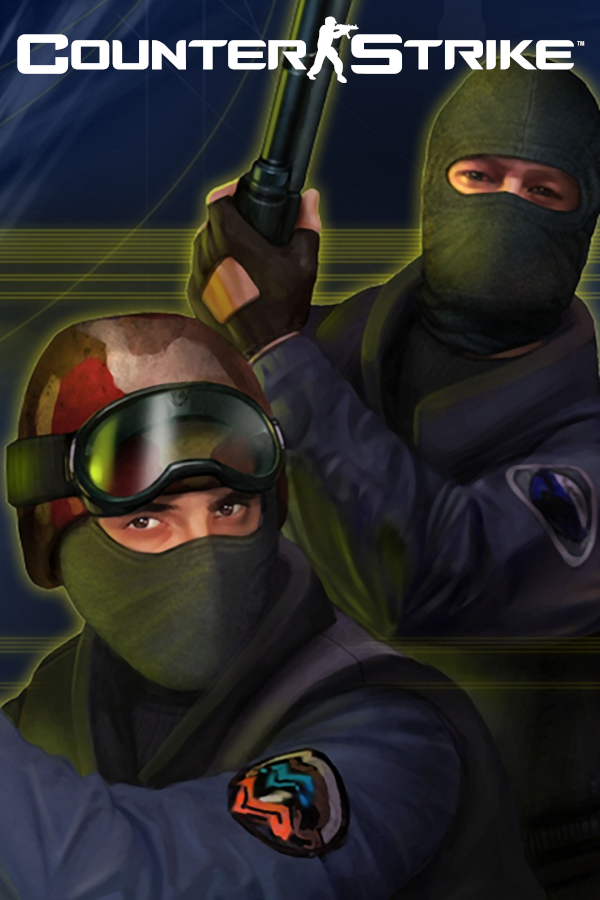
Read guide →How to find and join Counter-Strike 1.6 community servers.
Read guide →Resolve common OpenGL rendering issues in classic games.
Read guide →Supported games with pre-configured presets — no setup knowledge required.
Retro PC games still have active communities but they're scattered. ClassicNetPlay brings servers, session scheduling and quick hosting together so you spend less time searching and more time playing.